Connecting your accounts
Many connectors use per-user OAuth: each employee signs in to the third-party app with their own account, and every tool call runs with that person's permissions — never someone else's, and never an admin's.
Why connections are per person
When a connector requires per-user OAuth, installing it is only half the job. Each person then authorizes Harriet against their own account in the upstream app, and Harriet stores tokens on their behalf so actions run as that user, limited to what they authorized.
That is the point of the model: when a manager asks Harriet to schedule a meeting, Harriet uses that manager's calendar permissions. Nobody gains access they would not have in the app itself. The catalog flags these templates during install: "Users connect their accounts under Profile → Integrations after this skill is assigned."
Making the connection
There are two ways to authorize, and they end in the same place:
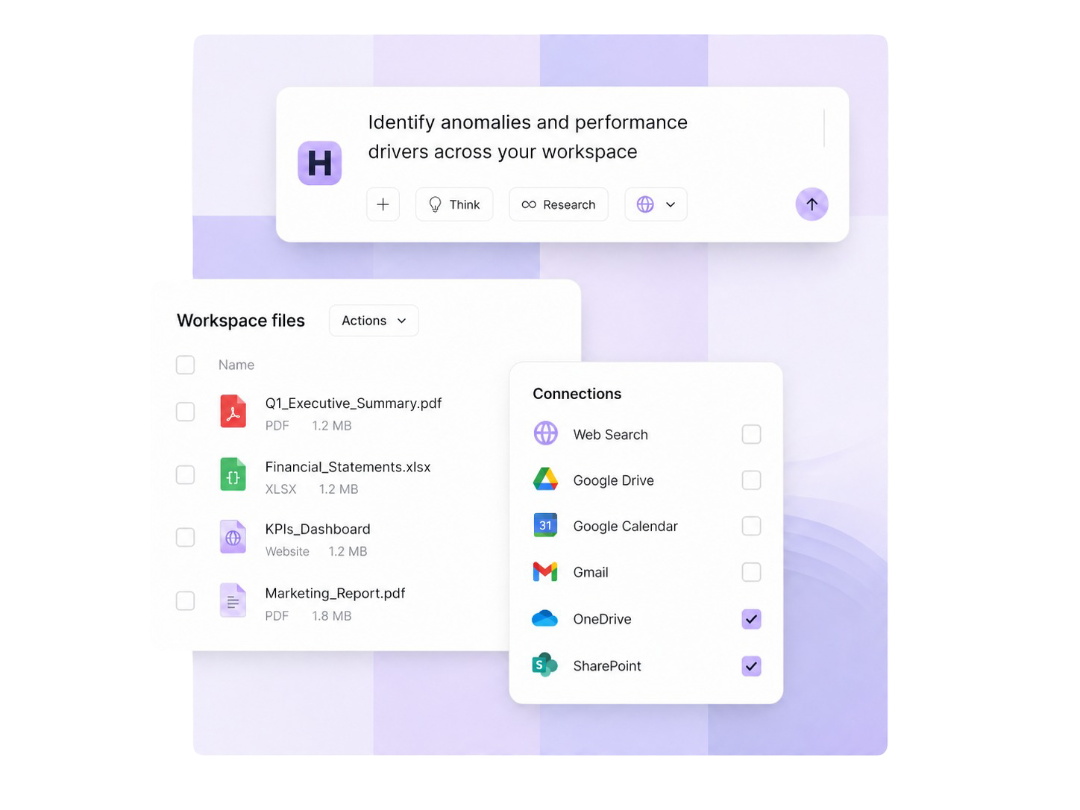
- From the Harriet web app. Open My connected apps in your account settings and select Connect next to the integration. Harriet sends you through the provider's consent screen and stores the resulting tokens.
- From your desktop app. Harriet Desktop can run the connect flow natively: when a provisioned connector still needs your authorization, the app can prompt you to sign in to the provider without visiting the web app first.
Your upstream credentials stay on Harriet's servers. The desktop app only ever holds an opaque per-person token for Harriet's gateway, so tokens for the third-party app never sit in a config file on your machine.
Where pending connections show up
Until a person authorizes, the connector's tools are provisioned but cannot run for them. You can see who still needs to connect in three places:
- A person's Capabilities tab in the console (People → pick the person) shows their skills with tools grouped as available versus pending, and a collapsible drawer of disabled tools for OAuth-pending skills.
- A device's detail page shows Pending connections with a copyable connect URL an admin can send to the user.
- My connected apps in the person's own account settings lists what they have and have not connected.
If someone tries a tool before connecting, the call fails with a link to the authorize page rather than running with someone else's access.
Reconnecting after revocation
Connections do not need routine maintenance — Harriet refreshes tokens automatically when they expire. But if a person revokes Harriet's access in the provider's own security settings, or the provider invalidates the grant, their tools stop working for them until they reconnect.
The fix is the same flow as the first connection: open My connected apps and connect the integration again, or follow the authorize link from the failed tool call. Nothing needs reinstalling; the connector and skills are untouched, and only that person's connection is affected.
Per-user OAuth means each person's own privileges apply. If your policy forbids connecting personal accounts, say so during rollout — Harriet cannot tell a personal Google account from a work one.