How skills reach people
An approved skill reaches a person by one of three routes: a profile, a team, or a direct assignment. Knowing which route granted what is the difference between a tidy rollout and a mystery capability.
The three routes
Via a profile. A profile is a named bundle of skills and settings. Assign the profile to a team or to a person, and everyone covered receives every skill in the bundle. This is the standard rollout mechanism: change the profile once and every assignee updates.
Via a team. Teams receive capabilities only through profiles: you assign a profile to the team, and members inherit its skills. There are no direct skill rows on teams: a direct assignment is a personal grant to a named individual, and granting one to a team would blur who was individually given what. The API rejects the attempt.
Via direct assignment. A single skill assigned to a single person. Use it for pilots and exceptions rather than rollouts. Approved skill requests from My AI also land as direct assignments.
Quick assign
The fastest path is from the Skills list. Open Quick assign on a skill and the Assign "{skill name}" dialog appears: "Choose who receives the capability: a team (profile only) or a person (Harriet skill or profile)."
- Choose what to assign. Under Assign, pick This Harriet skill or Profile (bundled roles). When the target is a team, only the profile option is available.
- Choose who receives it. Under Assign to, pick Team or User, then select the team or person.
- Submit. A confirmation appears: "Assignment added."
If your organization has no profiles yet, the dialog points you to Manage → Profiles to create one. The full assignments table (every target and everything assigned to it, filterable by team) lives under Manage → Assignments.
Seeing how a skill reached someone
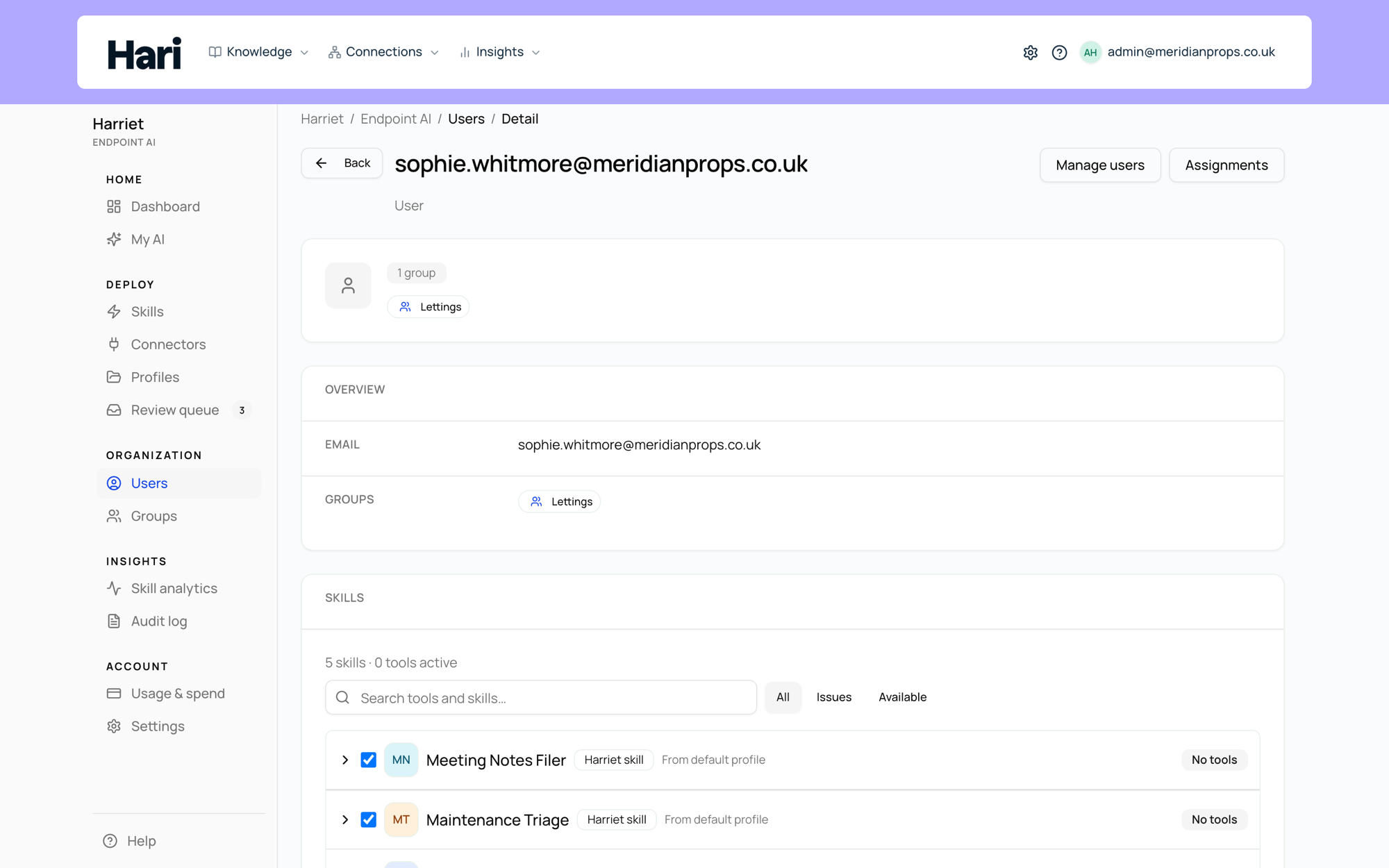
The Skills screen itself answers this for you personally. Its header describes it as the "Organization skill catalogue and (for you) how each skill reaches your account — direct assignment, profiles, or teams," so each skill you hold is labeled with its route.
For anyone else, open People and pick the person. The Access tab breaks their capabilities into three lists: Effective access, the merged result of the default profile, direct assignments, and teams; Direct assignments, where admins add and remove personal grants; and From teams, showing what their team memberships contribute. The Capabilities tab shows the same access skill-first: each skill with its sources, its tools, and whether it is available or pending a connection.
Assignment only distributes what review has cleared: a skill still in review shows an Awaiting approval chip on profiles and is not provisioned until approved; see Review workflow.