Skills
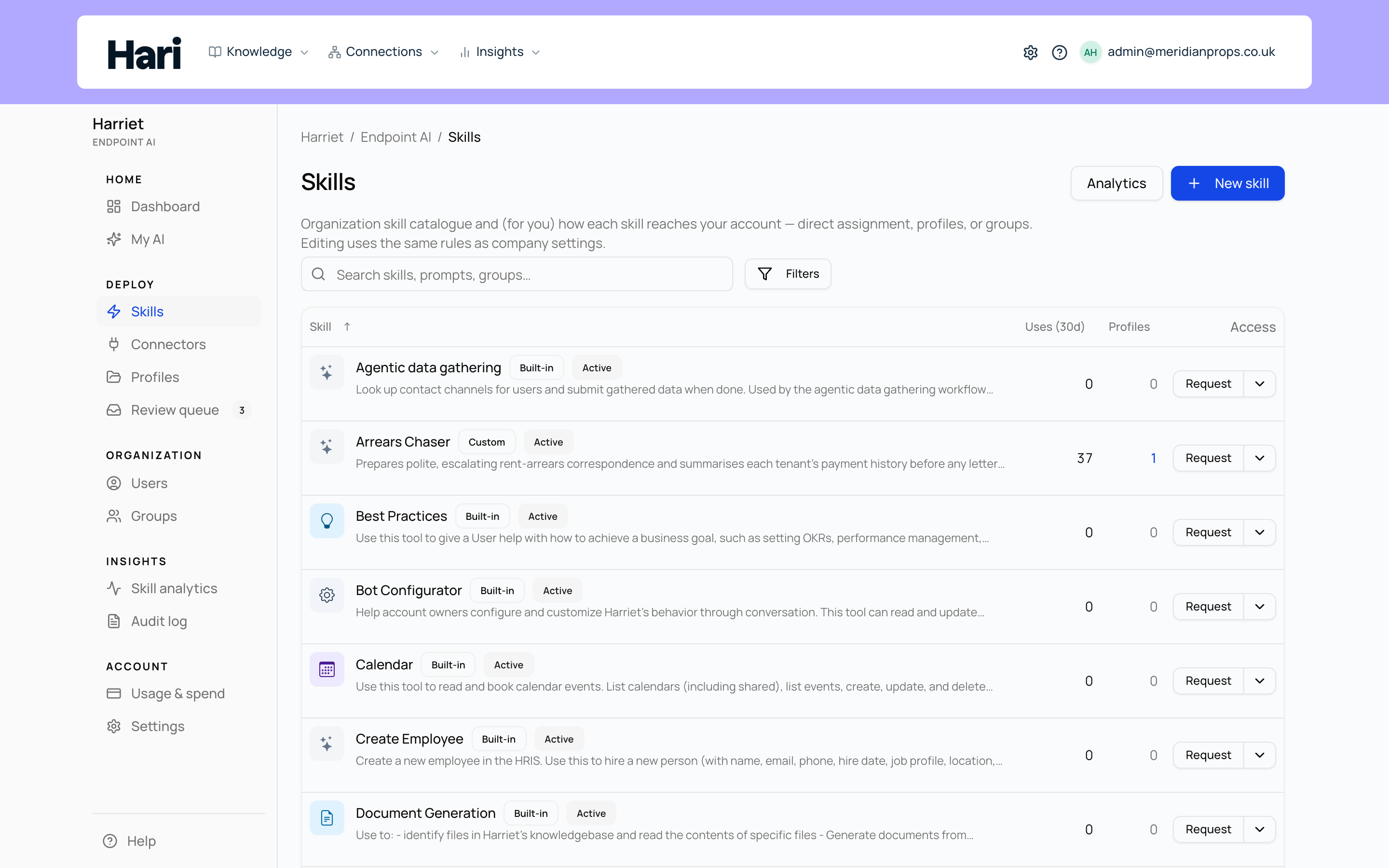
A skill is the unit of capability Harriet deploys: a set of instructions, files, or tools that teaches the AI how to do a job your company cares about. Everything you roll out to devices, and everything the review queue governs, is a skill.
The three skill types
A Custom prompt skill is instructions the model follows when the skill is loaded. You write the prompt in Harriet, optionally connect MCP connectors to give it tools, and the model receives your instructions whenever the skill is active. It is the fastest type to author and the right choice for playbooks, tone guides, and process knowledge.
A Skill package is a multi-file bundle built around a SKILL.md file at the root, with optional reference files and scripts alongside it. It uses the same format as Claude, so a package written here also works in Claude and other Anthropic-compatible tools, and packages from elsewhere import unchanged. Packages can be authored in the editor, imported from a zip, or synced from a GitHub repository, and they deploy to devices as skill zips. See Skill packages.
A Built-in skill wraps one of Harriet's own tools — escalating a chat into a ticket, searching the knowledge base — and lets you add instructions around it. We write and maintain the tools, and the list you choose from is fixed. Pick this type when the action happens inside Harriet. When the action happens in another system, pick a Custom prompt and attach a connector instead: a connector's tools come from a server you control, a built-in's come from us.
The full comparison, including when to use each type, is on Skill types.
How skills reach people
Approving a skill does not hand it to anyone by itself. Skills reach people three ways: through a profile assigned to a team or a person, through a team (teams receive capabilities only through profiles), or through a direct assignment to an individual person. Direct assignments are personal grants, which is why they cannot target a team. How skills reach people walks through all three routes and the Quick assign dialog.
Built-in and custom, active and deactivated
The catalog filters split skills into Custom (skills your organization created) and Built-in (default skills Harriet maintains for your account, such as Skilify and Session distiller). Built-in skills cannot be deleted; deleting one deactivates it instead, so you can always turn it back on.
Every skill also has an active flag. A deactivated skill keeps its configuration and review history but is not offered in chat or provisioned to devices. When you create a skill, the wizard's Active after approval checkbox controls whether it goes live as soon as it is approved and assigned.
Explore the section
Custom prompt, Package, and Built-in skills compared in depth.
The creation wizard, the editor tabs, and the two save paths.
The SKILL.md format, zip import, and GitHub sync.
Turn a working local workflow into a company skill from your desktop app.
Capture prior art from a Claude session into the review queue.
Statuses, reviewers, and what approval unlocks.
Employees can ask for skills they don't have from My AI. An approved request becomes a direct assignment automatically.