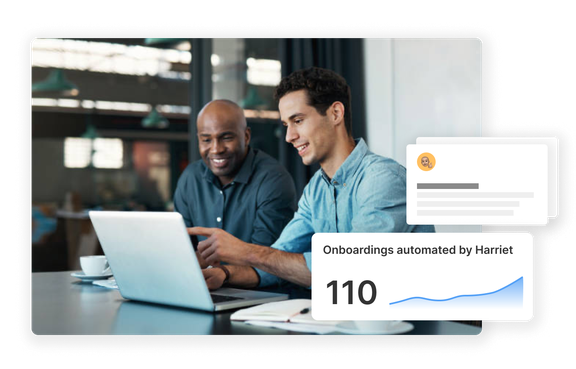
The Endpoint built to supercharge your team with AI.
Built for easier and faster deployment of AI in teams.
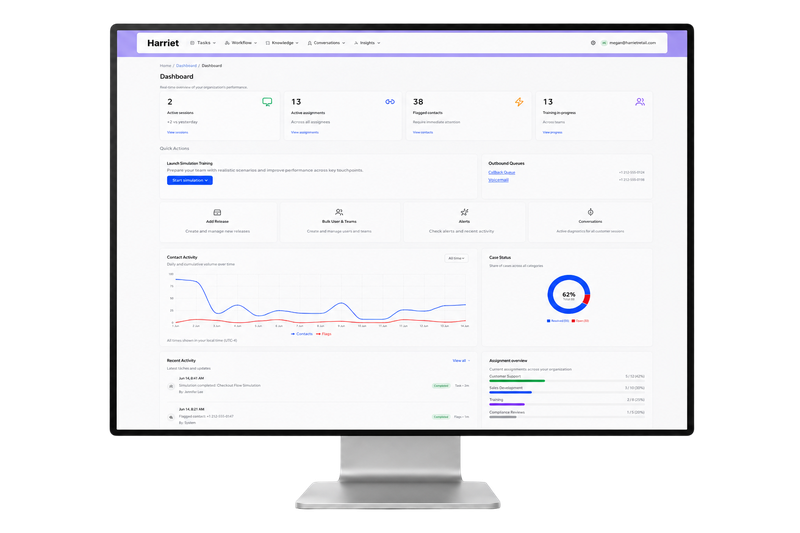
-
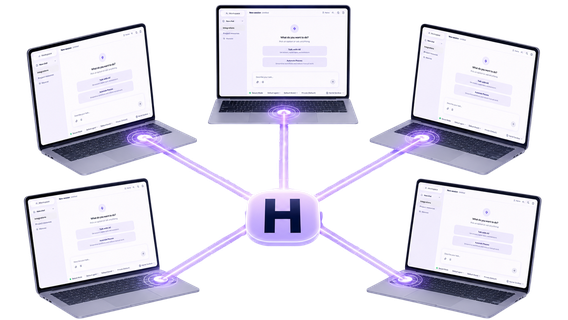
Provision
Provision Claude Desktop and ChatGPT with the right scope for each role.
-
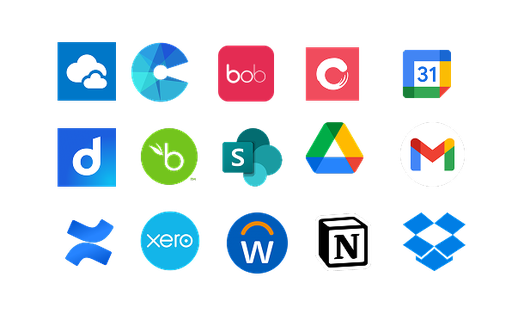
Connect
Plug AI into Workday, Salesforce, SharePoint, and the systems your business runs on.
-
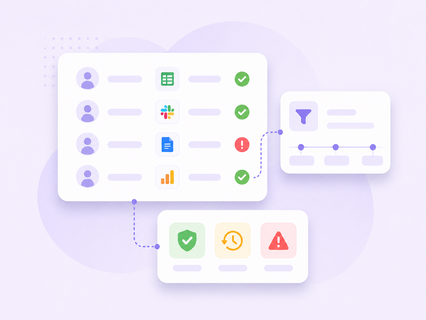
Audit
Every prompt and tool call logged, explainable to Legal on demand.
-
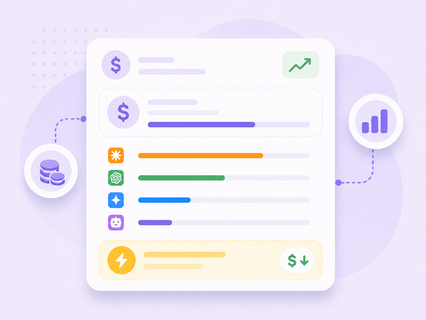
Manage spend
Model usage, per-team burn, and ROI by outcome in one place.
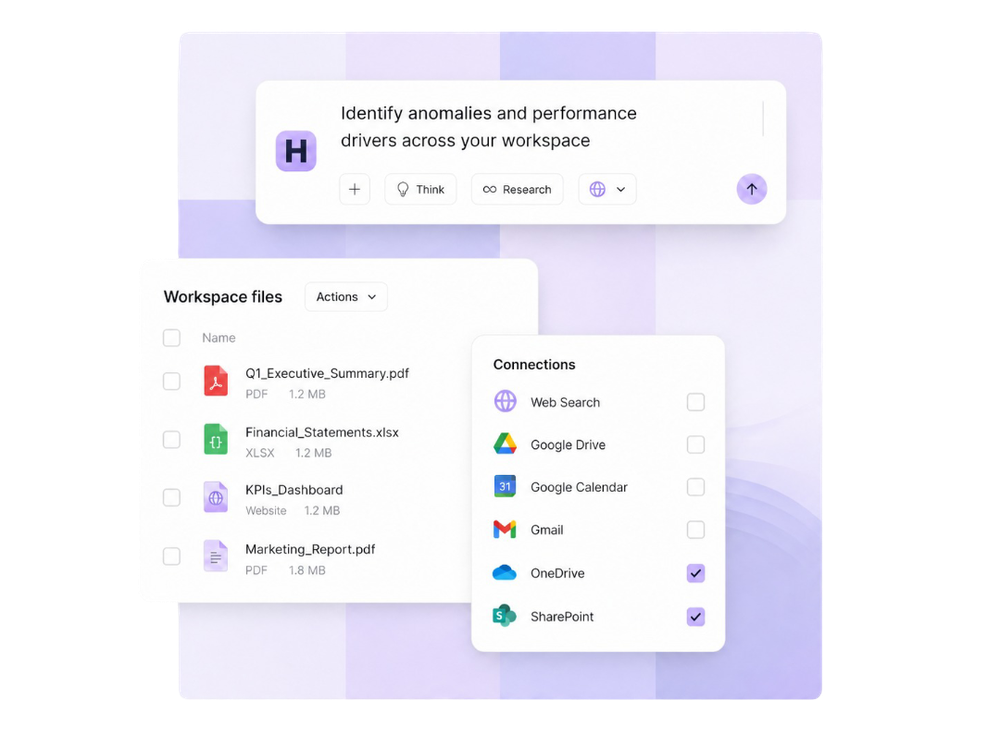
Harriet Desktop, your new workplace AI environment
You can choose to use our own AI Desktop application, Harriet Desktop, that lets you chat, search, analyse, create - all your work in one connected hub.
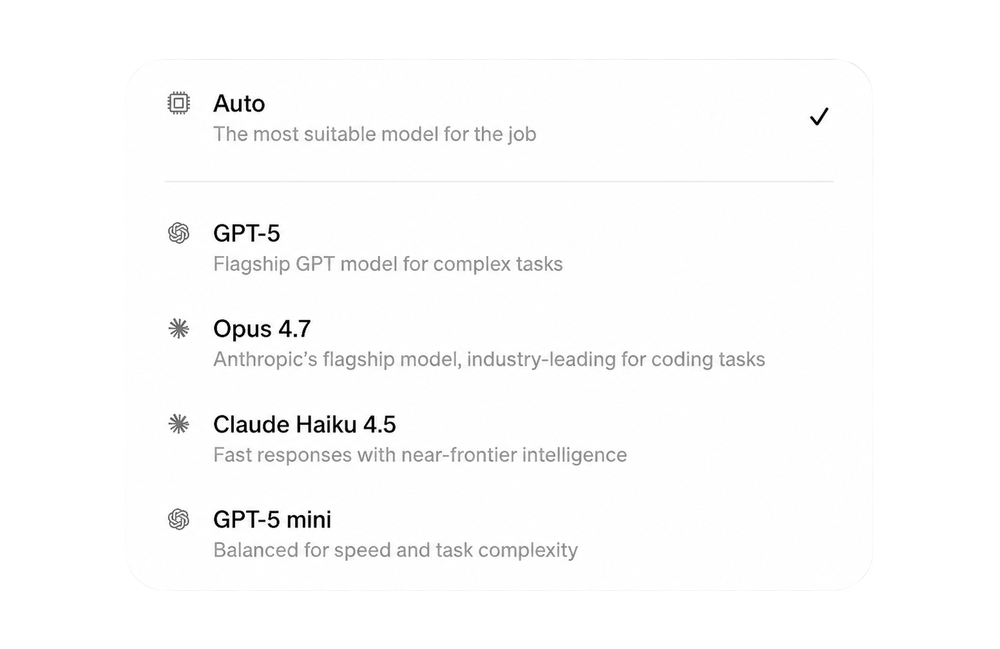
Model agnostic
Only use the AI models that work best for you. With Harriet, you can choose and switch between leading models as you need.
Don't pick a side in the AI race.
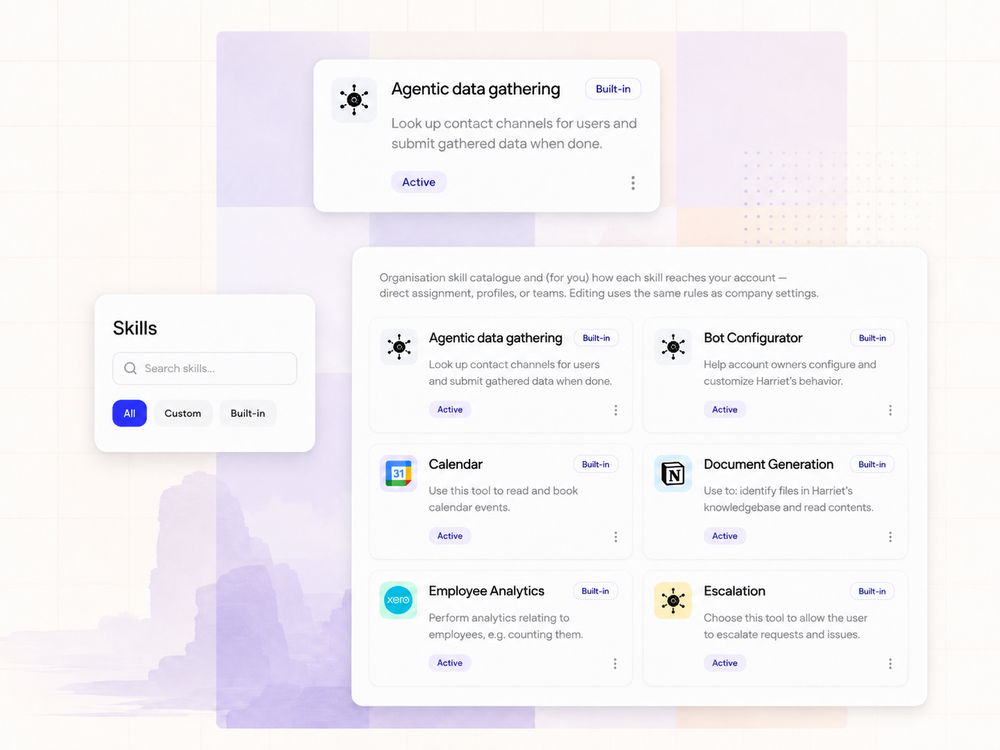
Get your whole team on AI with the skills that (actually) matter
- Connect your identity provider - teams are imported automatically
- Build profiles and assign to teams - pick the skills, bundle them into profiles, and assign them to the right teams
- Deploy to every device - push via MDM or a single command, and configuration becomes automatic from there.
Driving AI adoption faster
What a rollout looks like
-
<1h
Get all your teams connected
-
0
Manual config steps per user after setup
-
100%
Of AI tool calls logged and auditable