Available models
When Harriet proxies LLM traffic, you decide exactly which models your organization's devices can use. This page covers the providers Harriet routes to and the model allowlist in Settings.
Providers Harriet routes to
The LLM proxy can route calls to four providers:
| Provider | Keys | Notes |
|---|---|---|
| OpenAI | BYOK or managed credits | GPT models |
| Anthropic | BYOK or managed credits | Claude models, served from Anthropic's US API |
| BYOK or managed credits | Gemini models | |
| Anthropic (EU) | Managed credits only | Claude served from EU infrastructure; see EU data residency |
Which models actually appear depends on which keys your organization has configured and, for Anthropic (EU), on your plan.
The model allowlist
Open Settings and find the Available models row under Harriet Desktop and Managed Claude Desktop. It appears once Use Harriet as LLM proxy is on and at least one model is available for your configured keys. Models are listed as checkboxes, grouped by provider, and hovering a model name shows its pricing.
By default every entitled model is checked and the screen reads "New models appear automatically." — when a provider ships a new model, your people get it without you touching anything. Uncheck any model to hide it from devices. Once you customize the list, new models no longer appear on their own; select Reset to all to return to the automatic default.
Editing the allowlist requires the Endpoint AI Team plan or higher. On the free tier the list is read-only and all entitled models stay available; any stored allowlist is ignored until you upgrade. See Plans.
Anthropic (EU) models are listed in their own group and require Endpoint AI Business or higher. Until then they show as locked rows with the plan named next to them.
Per-device overrides
Each device page has its own Available models section. It reads "Using account default." until you change a checkbox, at which point the device keeps a custom model list ("Custom model list for this device.") independent of the account allowlist. Select Inherit from account to drop the override. This is how you give one team frontier models while everyone else runs faster, cheaper ones — the pattern behind cost control.
What people see on their devices
The allowlist is enforced at Harriet's gateway and reflected in the desktop model picker: only allowed models are offered, and new selections outside the list are rejected.
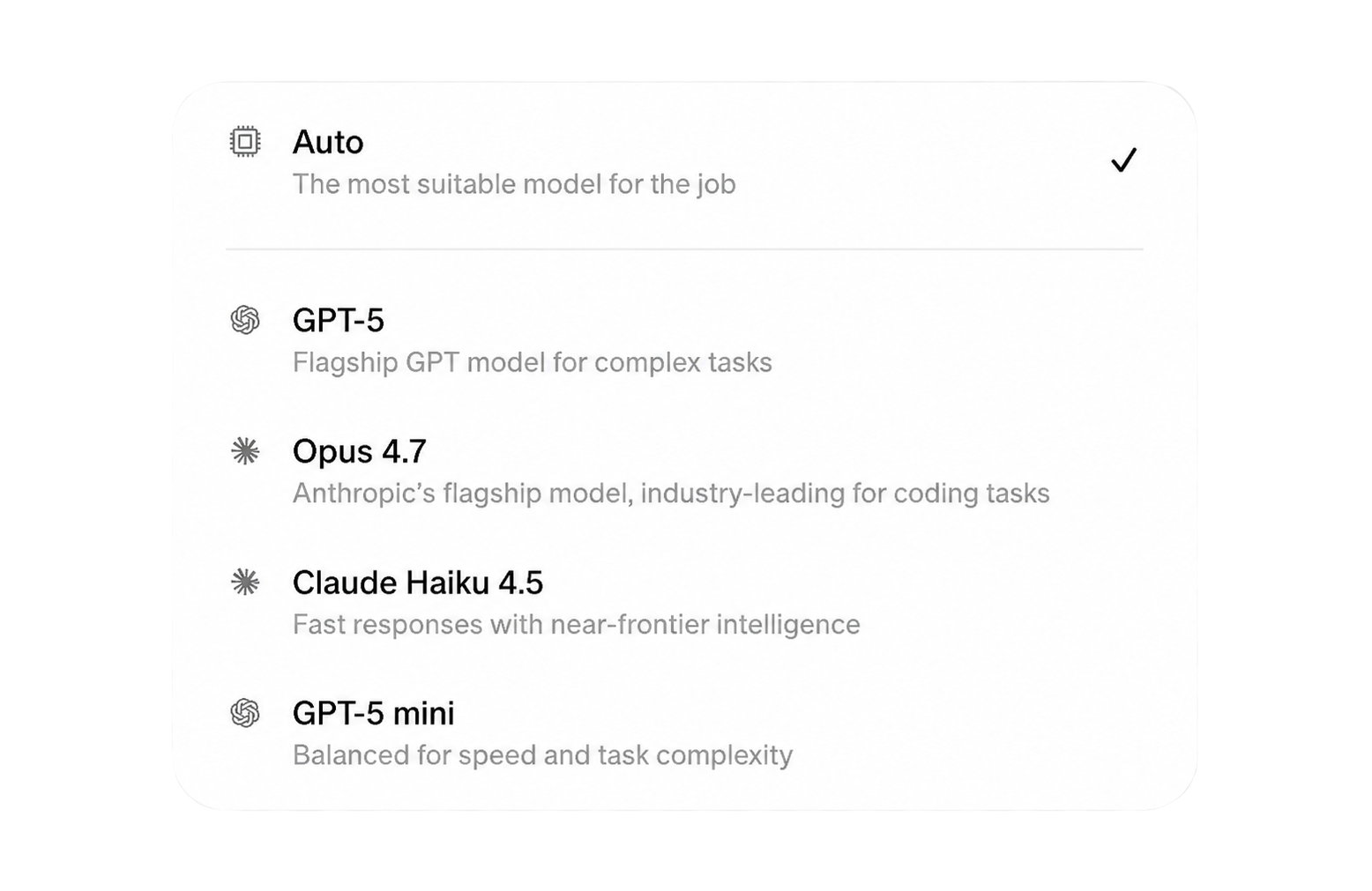
On My AI, each person's device table includes a Model hint column. Per-device model hints appear there when the organization profile merges them into the device's configuration, so people can see which model their machine is steered toward.
If a model someone expects is missing from their picker, work through Model availability.