EU data residency
The Anthropic (EU) provider serves Claude from EU infrastructure, so teams handling GDPR-sensitive data can use frontier models without prompts leaving the region.
What Anthropic (EU) is
Anthropic (EU) is one of the four providers the LLM proxy routes to. Instead of Anthropic's US API, requests go to Claude running on AWS infrastructure in the EU (region eu-west-1). It is the same Claude reached over a different path: same intelligence, same desktop workflow.
Currently available EU models:
| Model | Notes |
|---|---|
| Opus 4.7 EU | Frontier Claude; standard context window (no 1M-token variant) |
| Haiku 4.5 EU | Fast, low-cost EU option |
Anthropic (EU) models require the Endpoint AI Business plan or higher. They are resale-only: Harriet operates the EU platform credential itself, so there is no BYOK for this provider and usage always bills through managed credits. EU inference is priced above Anthropic's US API list price (a regional premium of about 10%), plus the standard managed-credit markup.
What stays in the EU
When a device calls an EU model, Harriet's gateway forwards the request to the EU-region endpoint near-verbatim (the only change is the model identifier), and the model processes your prompts and produces its responses on EU infrastructure. Conversations with your providers are covered by their EU Data Processing Addendums, and usage and tool activity are tracked so you can produce evidence for compliance reviews from the audit log and usage reports.
For your compliance posture across the rest of the product, see Compliance.
When to pin teams to EU models
Pin a team or device to EU models when the work regularly contains personal data, client names, or contract material that must not cross the border — finance and legal are the usual candidates. Because model access is a per-team, per-device policy, you don't have to choose for the whole company: EU-only Claude for the teams that need it, the full catalog for everyone else.
How to enable it
- Turn on the LLM proxy. In Settings, enable Use Harriet as LLM proxy. EU routing only exists through Harriet's gateway; see The LLM proxy.
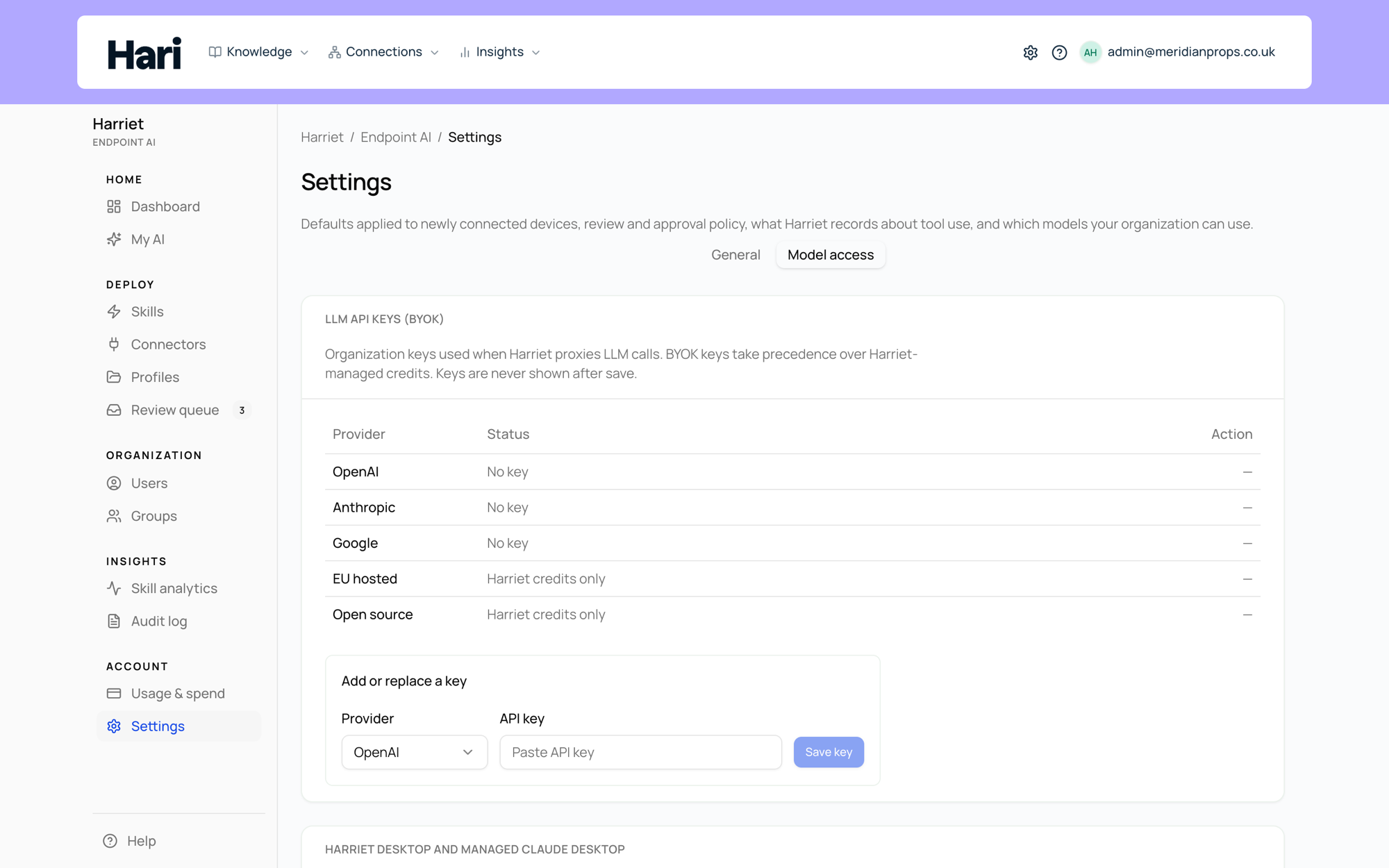
- Check your plan. On Endpoint AI Business or higher, EU models appear in Settings → Available models, grouped under Anthropic (EU). On lower plans the rows are locked with an upgrade notice (see Plans).
- Restrict the allowlist. For devices that must stay EU-only, open the device's Available models section and leave only the Anthropic (EU) models checked. The model allowlist is enforced at the gateway, so out-of-policy models are rejected, not just hidden.
- Fund managed credits. EU usage debits your prepaid balance, so set up automatic top-up before pinning a team — an empty balance stops EU calls.