The LLM proxy
With the LLM proxy on, desktop clients send their model calls to Harriet's gateway instead of straight to the provider. That single hop is what makes attribution, model control, and spend control possible.
What the proxy does
When you enable Use Harriet as LLM proxy, Harriet Desktop devices and managed Claude Desktop installs route their OpenAI, Anthropic, Google, and Anthropic (EU) calls through Harriet. Each device authenticates to the gateway with its own device-scoped token, and on every request Harriet:
- Attaches the right upstream credential: your organization's BYOK key for that provider when one is configured, otherwise a Harriet-managed key billed through managed credits.
- Records tokens and estimated cost, attributed to the person and device that made the call. People see their own totals on My AI; admins see the same in LLM usage reports.
- Enforces the model allowlist and, for managed usage, budgets and the credit balance.
Streaming is supported, so desktop clients work without changes; responses stream back through the gateway the same way they would from the provider.
The proxy applies only to Harriet Desktop and Claude Desktop (no Claude account). People who sign in with their own Claude account are unaffected either way.
Where it's controlled
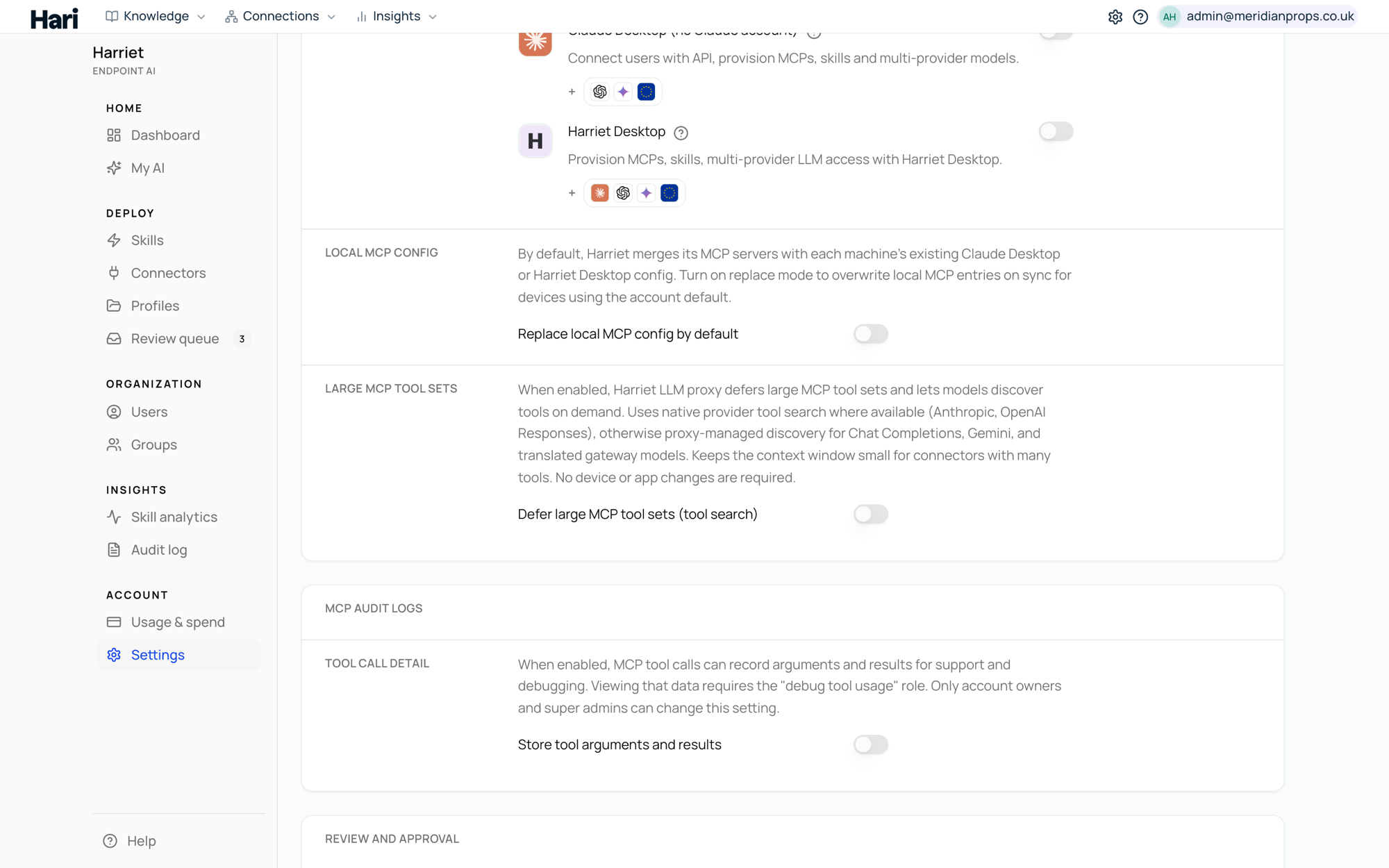
The account-level switch lives in Settings, in the LLM proxy row under Harriet Desktop and Managed Claude Desktop. It's off by default. Turning it on requires somewhere to send the traffic: at least one organization API key under LLM API keys (BYOK), or billing set up for managed credits.
Each device page then carries its own Use Harriet as LLM proxy setting with three values:
| Value | Behavior |
|---|---|
| Use account default | Follows the Settings switch. This is the initial state for every device. |
| On | This device uses the proxy even if the account default is off. |
| Off | This device bypasses the proxy even if the account default is on. |
On devices where only Claude Desktop with a Claude account is enabled, the setting is locked: the proxy stays off because there is no managed surface for it to apply to.
Why turn it on, and why not
Turn the proxy on when you want attribution and control: per-person and per-device usage in the audit trail, one place to restrict models, budgets that actually bind, and the option to run devices without distributing provider keys to anyone. It's also required for Claude Desktop without Claude accounts and for Anthropic (EU) routing.
Turning it off removes Harriet's control over model routing for Harriet Desktop and managed Claude Desktop installations — devices talk to providers directly with whatever keys their users configure, and Harriet can no longer record usage or enforce the allowlist for those calls. Some organizations prefer that when they already meter spend at the provider and only use Harriet for skills and connectors.
When the proxy is on, ask people not to add the same provider again manually inside their desktop client: a second direct connection to a proxied provider causes confusion about which route a chat is using.
If proxied devices start failing with authentication or payment errors, see Connection errors and Error codes.