Harriet Documentation
Harriet puts governed AI on every computer in your company. IT decides which skills, connectors, and models each team gets; Harriet configures the AI apps on their machines and keeps an audit trail of everything they do.
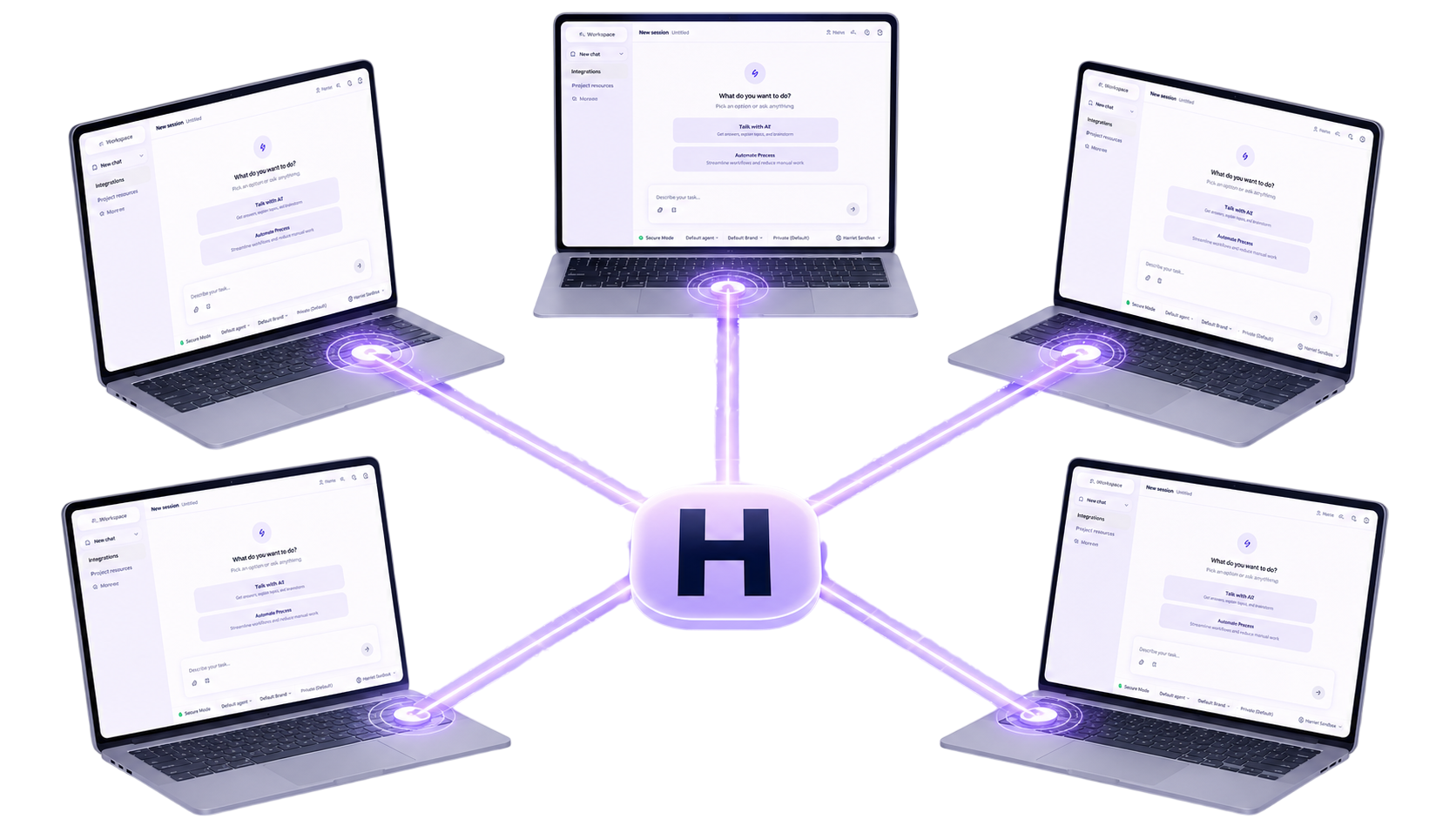
How Harriet works
Harriet gives your company its own AI workspace: Harriet Desktop, one app for everyone, with your skills, connectors, and models already in place when people sign in. An admin assigns a profile to a team, and every enrolled device on that team receives the same setup, with no per-user configuration.
Three pieces make that work:
- Skills are the unit of capability: a prompt, a package, or a set of tools that teaches the AI how to do a job your company cares about.
- Profiles bundle skills and settings, and are assigned to teams or individuals.
- Devices are the enrolled computers where the configuration lands. Each one checks in every five minutes and applies whatever changed.
Every tool call along the way passes through Harriet's gateway, which is what makes the audit log possible: who called what, from which device, with which skill, and whether it worked.
Where your people meet Harriet
Employees never have to open an admin console. Harriet Desktop is the workspace most companies roll out to everyone; teams that want Claude Desktop instead can run it under the same management:
A full AI workspace app for macOS, Windows, and Linux. Chat, run skills, and approve tool use, signed in with your Harriet account.
Keep the Claude accounts your team already pays for. Harriet adds your company's skills and connectors on top.
Harriet supplies the models through its gateway, so people get Claude Desktop without individual Anthropic accounts.
Every employee's self-service page: what's provisioned for you, how your devices are syncing, and what your usage costs.
Explore the docs
From signup to your first working skill on a real device, in about fifteen minutes.
Create, review, and assign the capabilities your organization runs on.
Give skills tools: catalog integrations, custom MCP servers, and per-user OAuth.
Enroll Macs and Windows machines by invite, code, or MDM, and watch them sync.
Route LLM traffic through Harriet, bring your own keys or use managed credits, and restrict models.
Rollout, permissions, billing, budgets, security, and the audit log.
For admins
The Admin section covers everything behind the Dashboard: the review queue that gates what ships to devices, roles and permissions, plans and billing, LLM budgets, and single sign-on.
Press ⌘K anywhere in these docs to search. If you can't find an answer, write to support@harriethq.com.